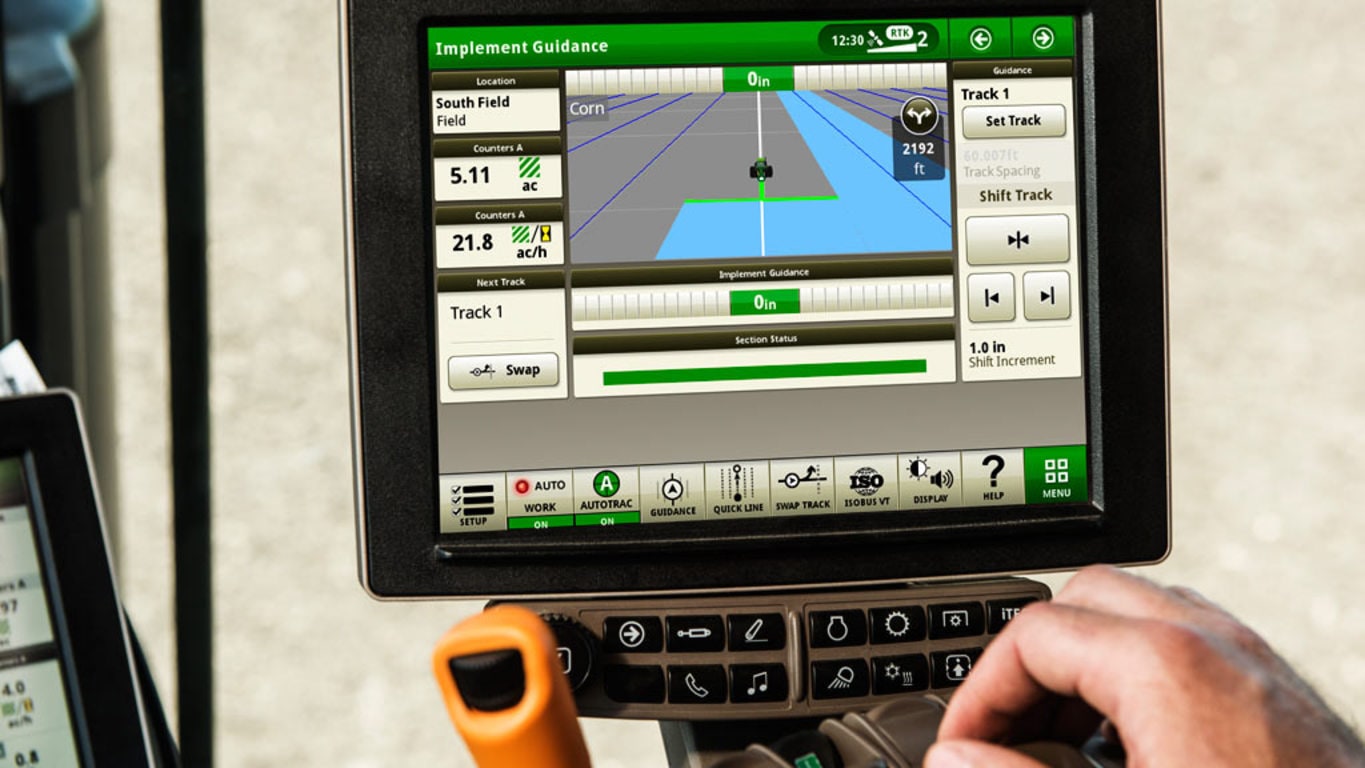
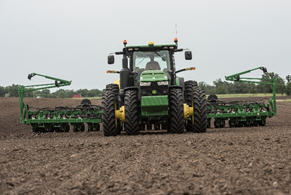
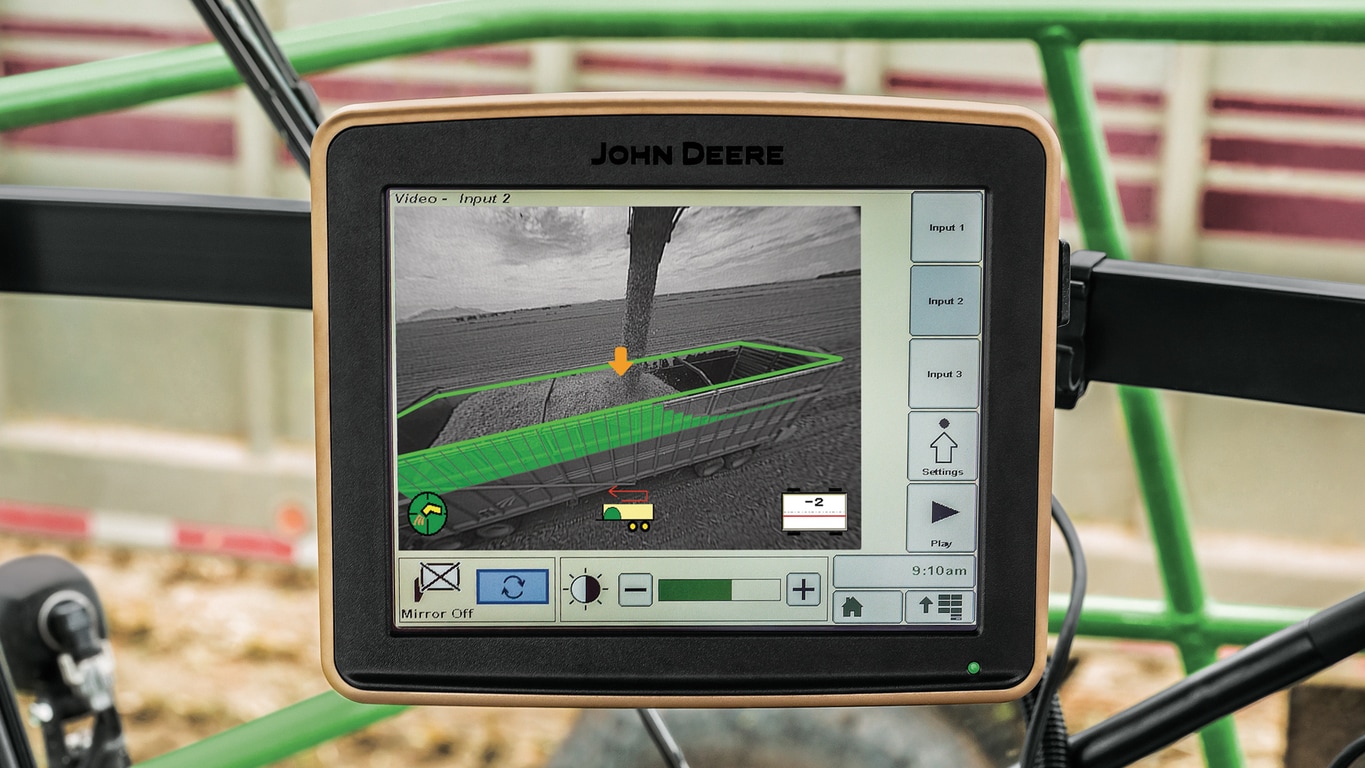
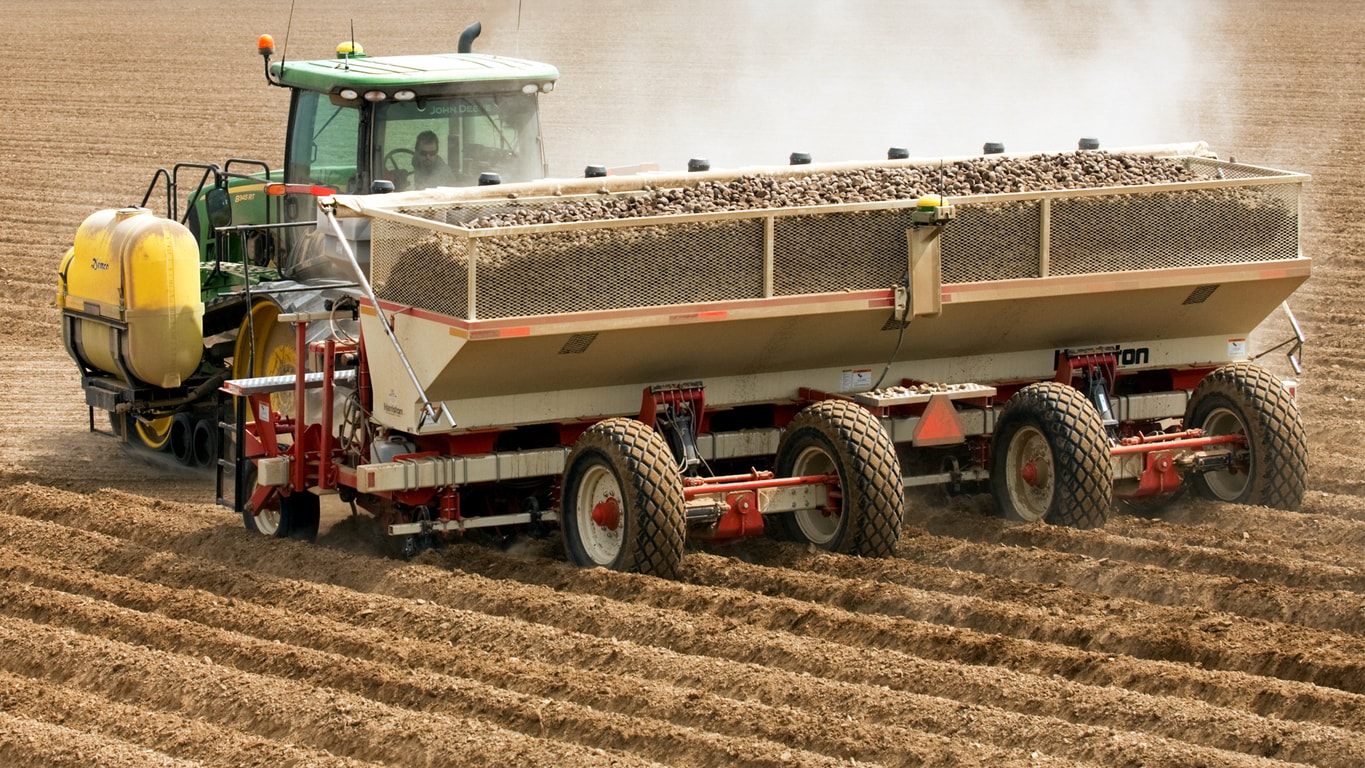
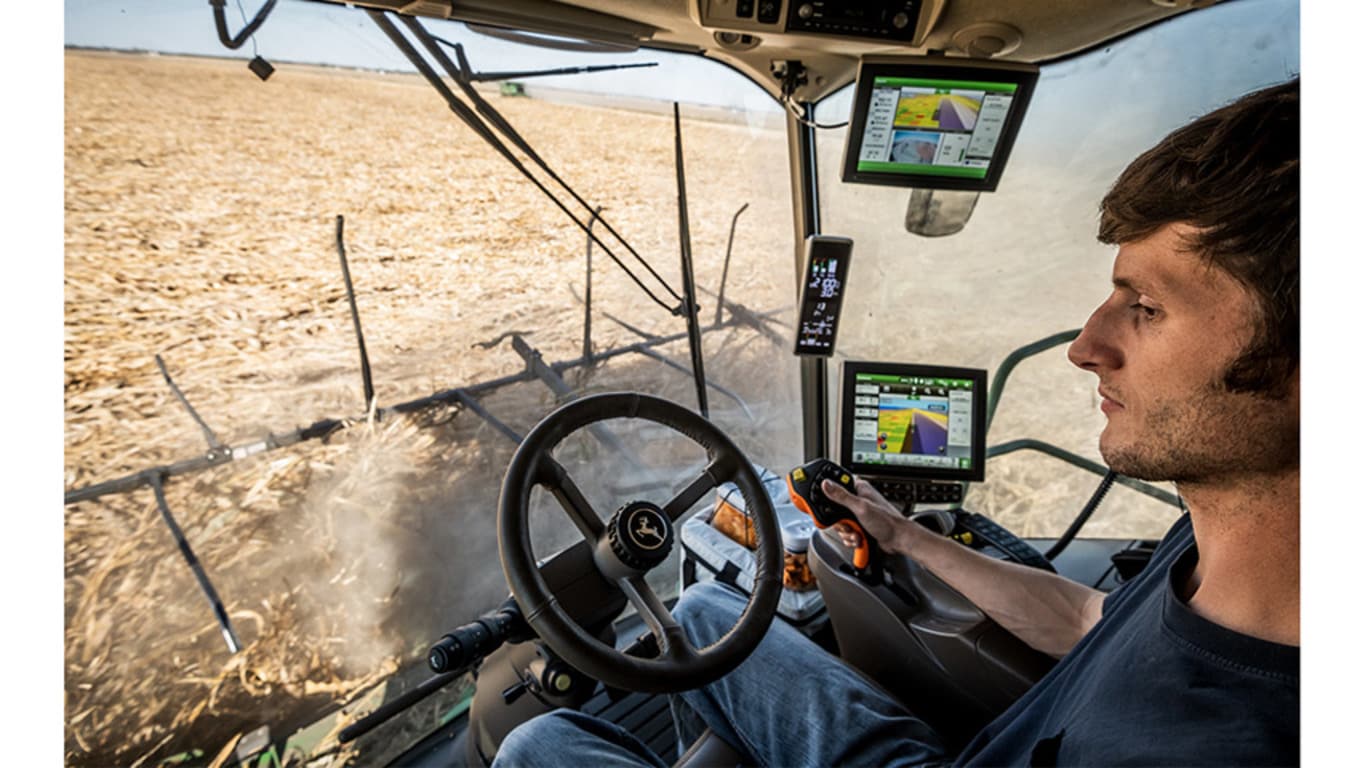
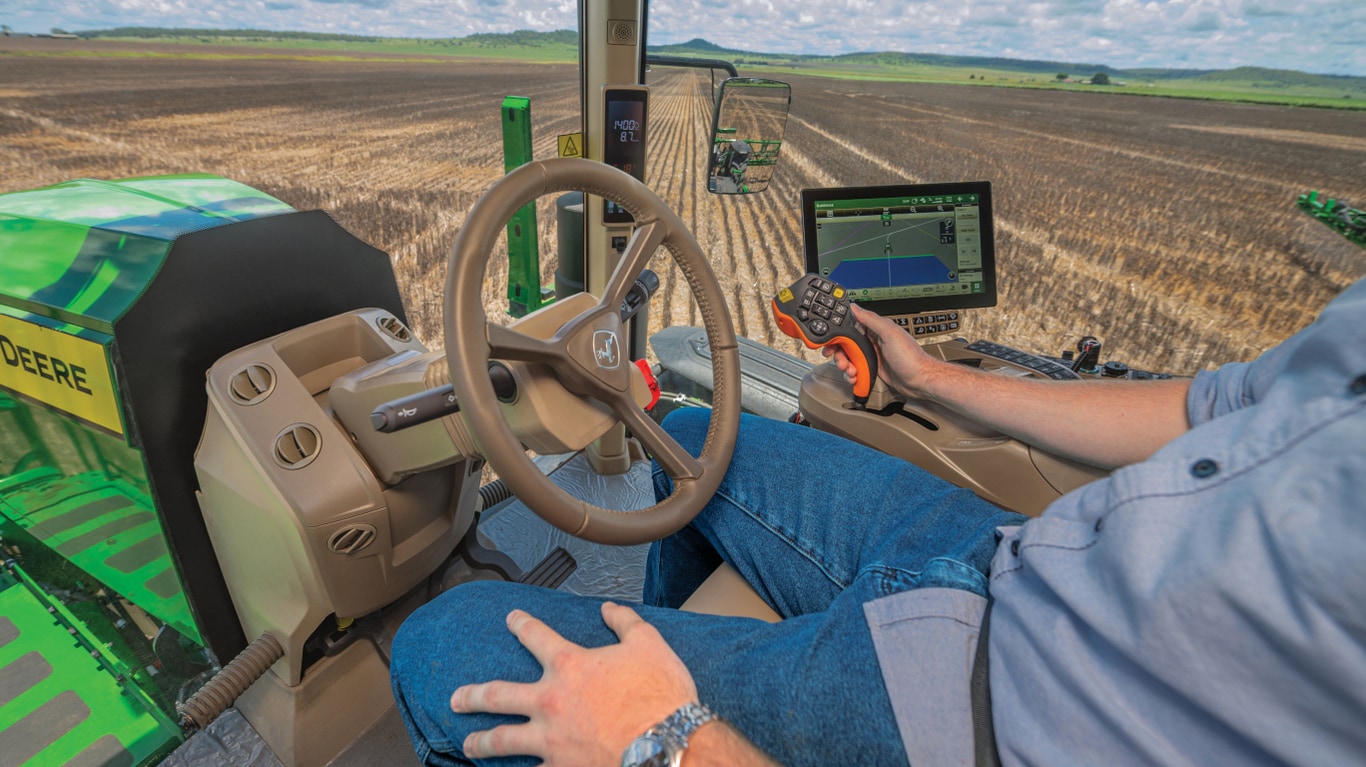
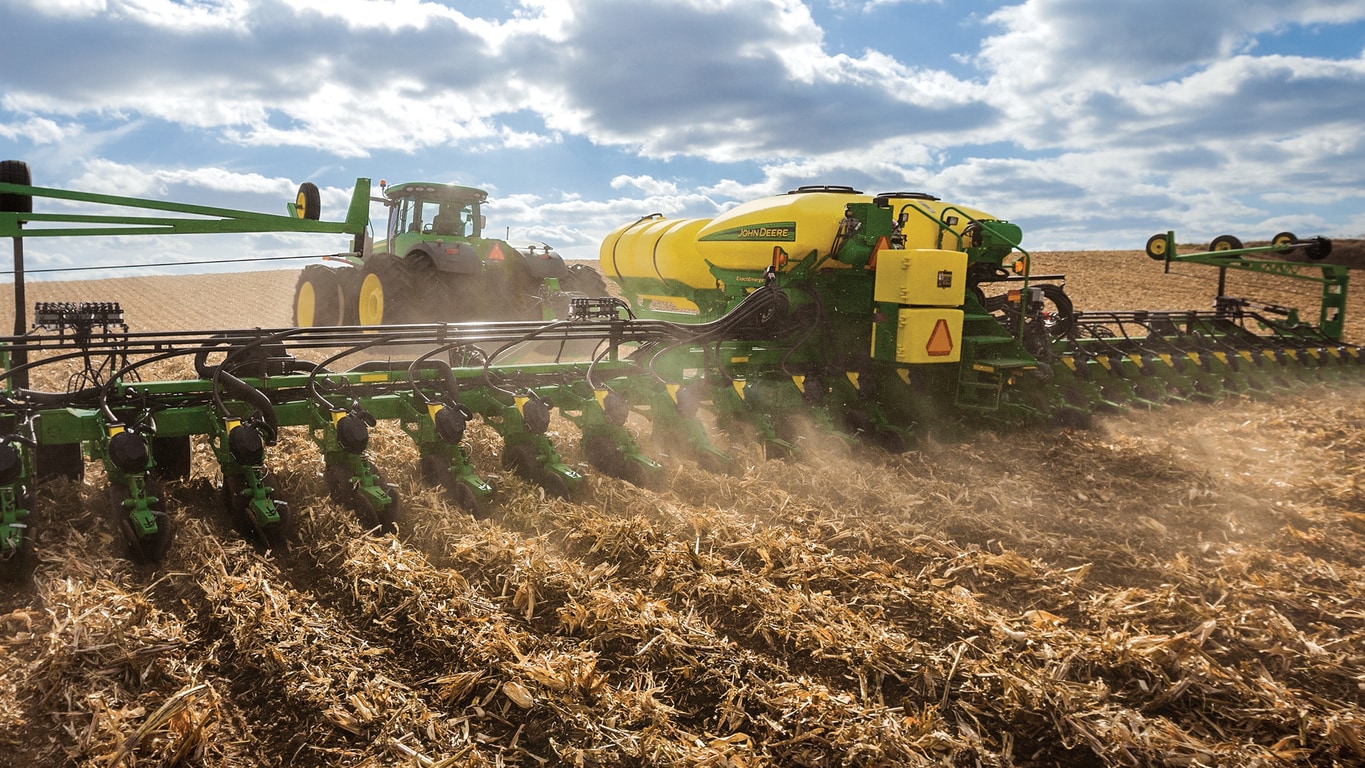
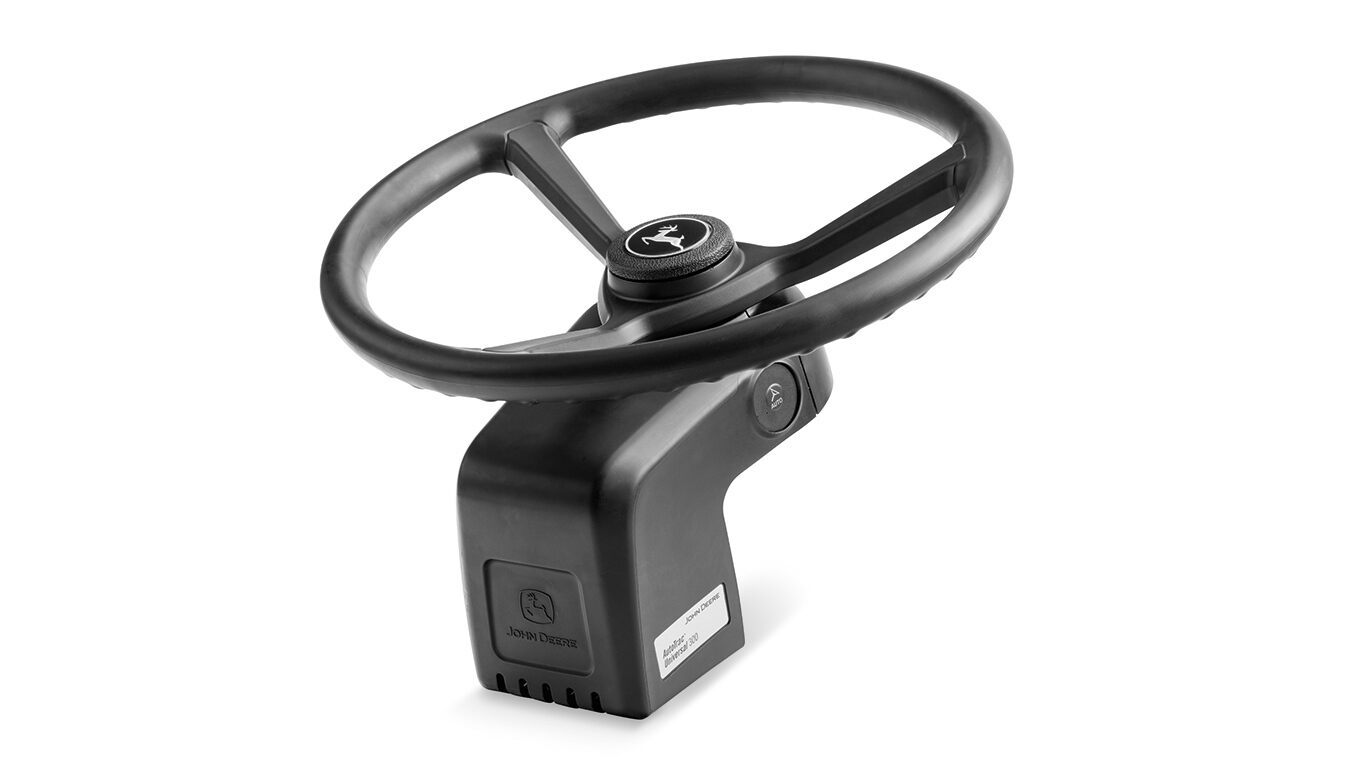
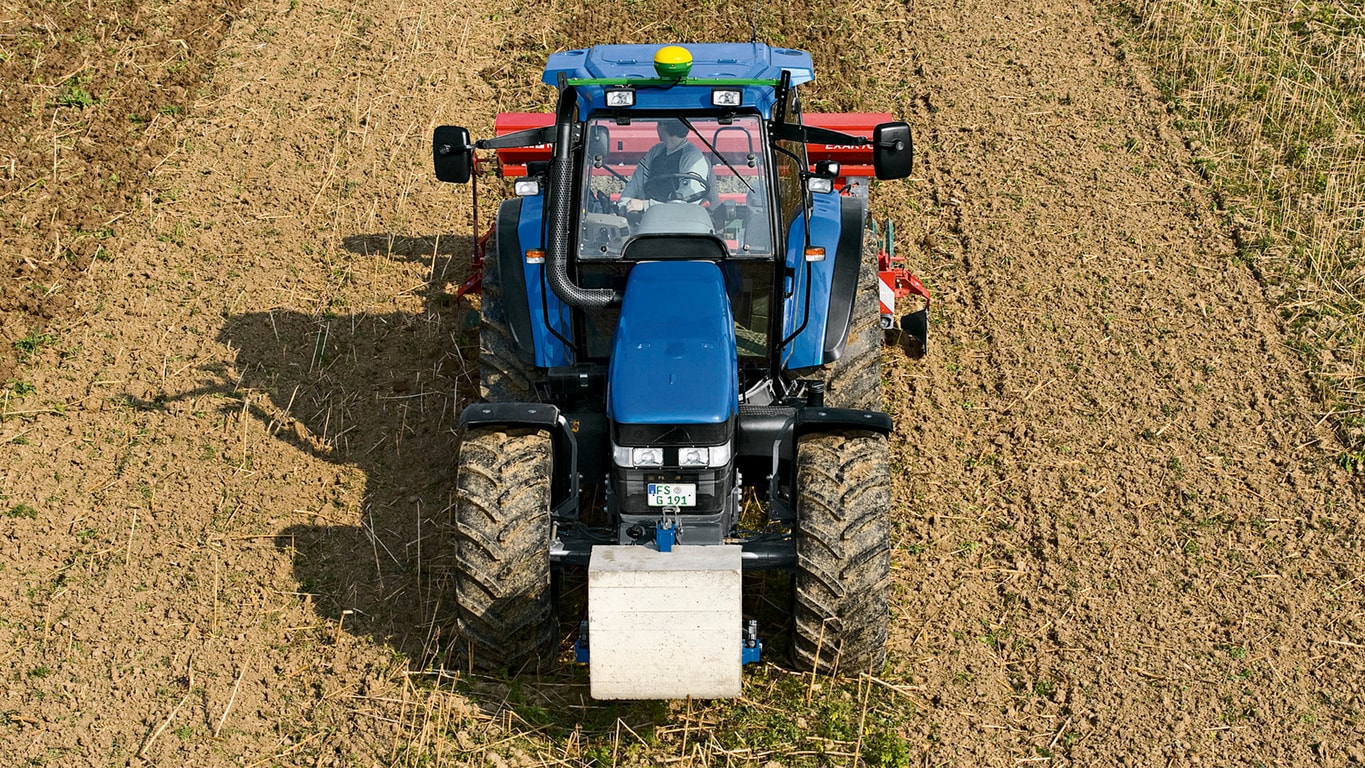
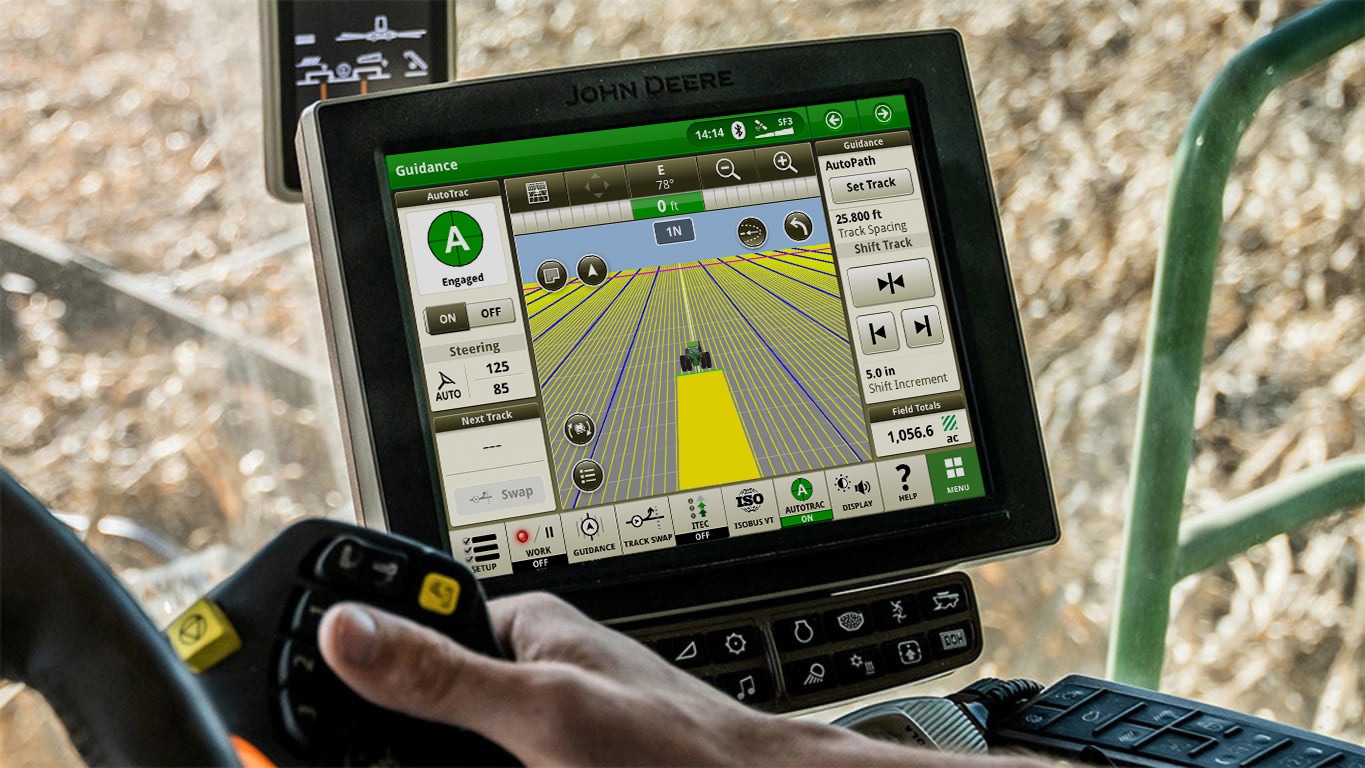
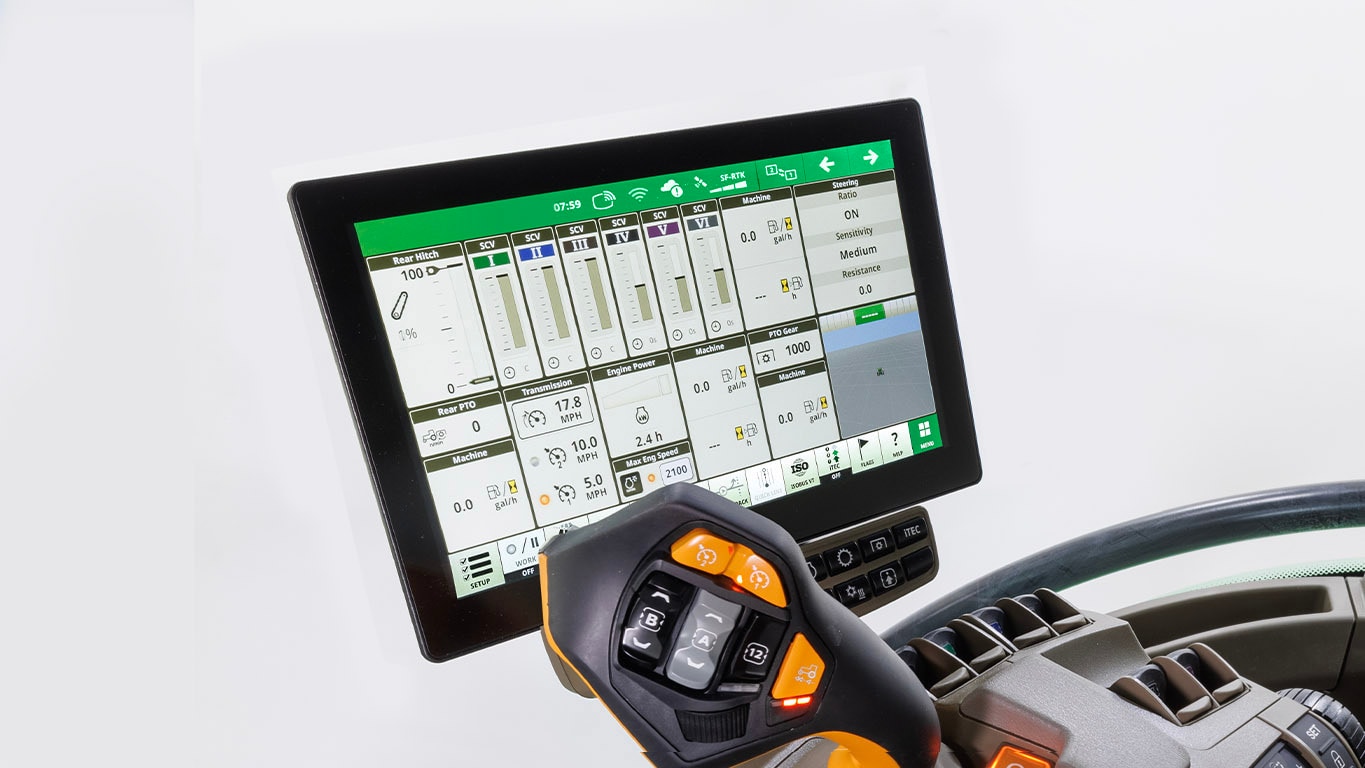
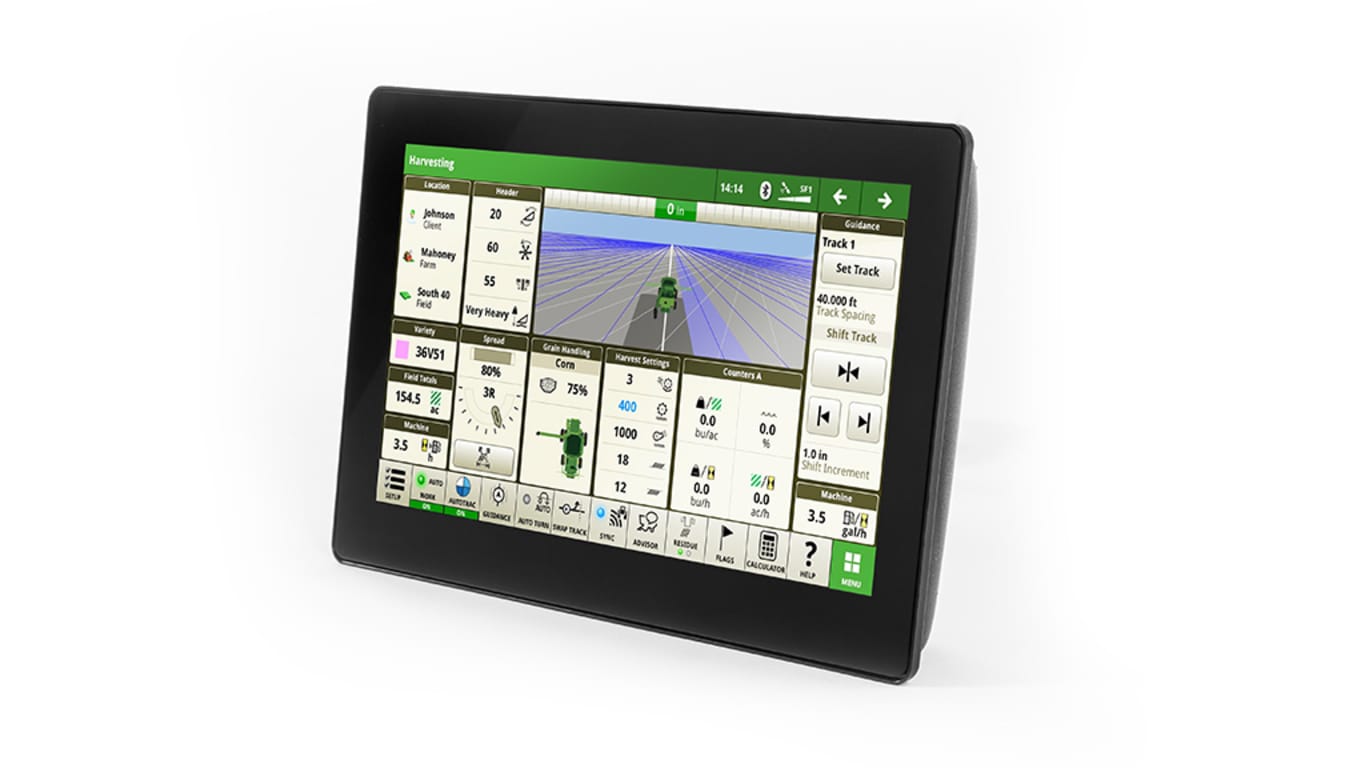
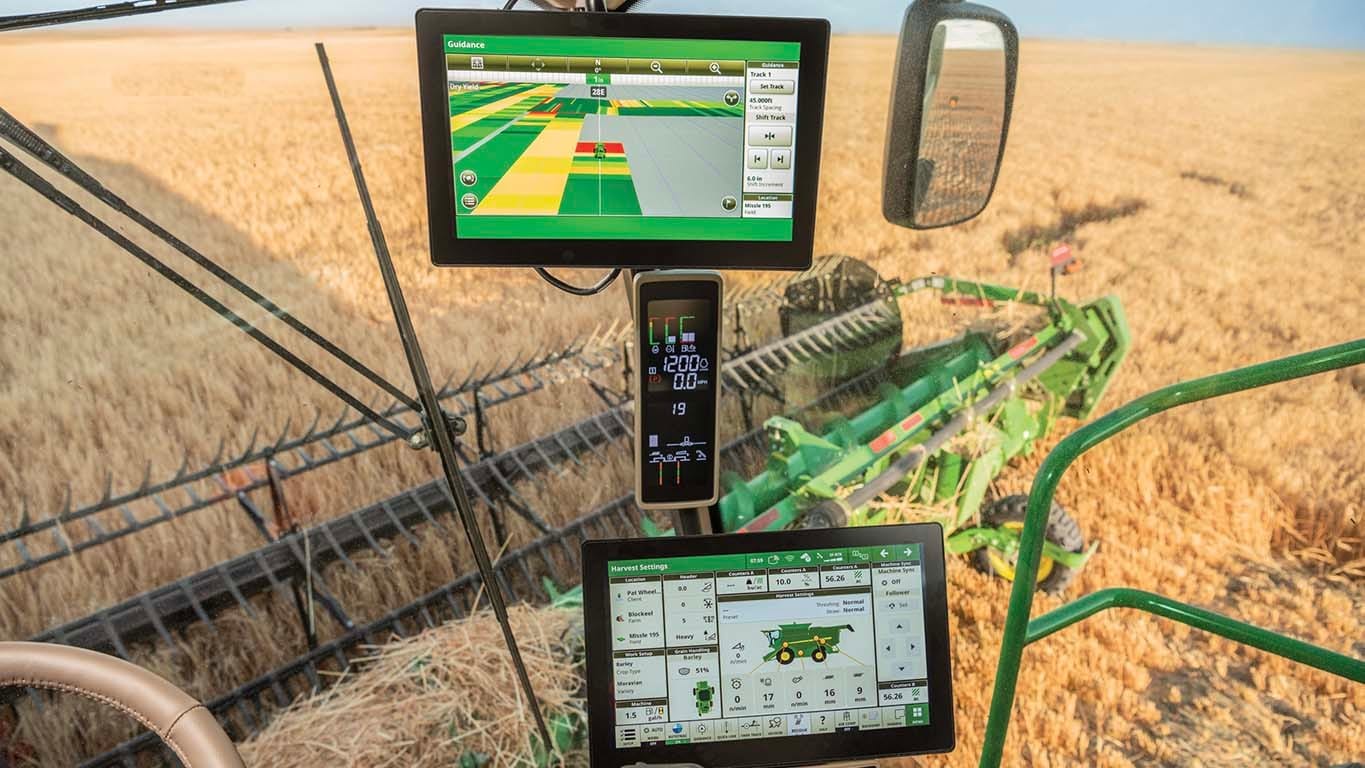
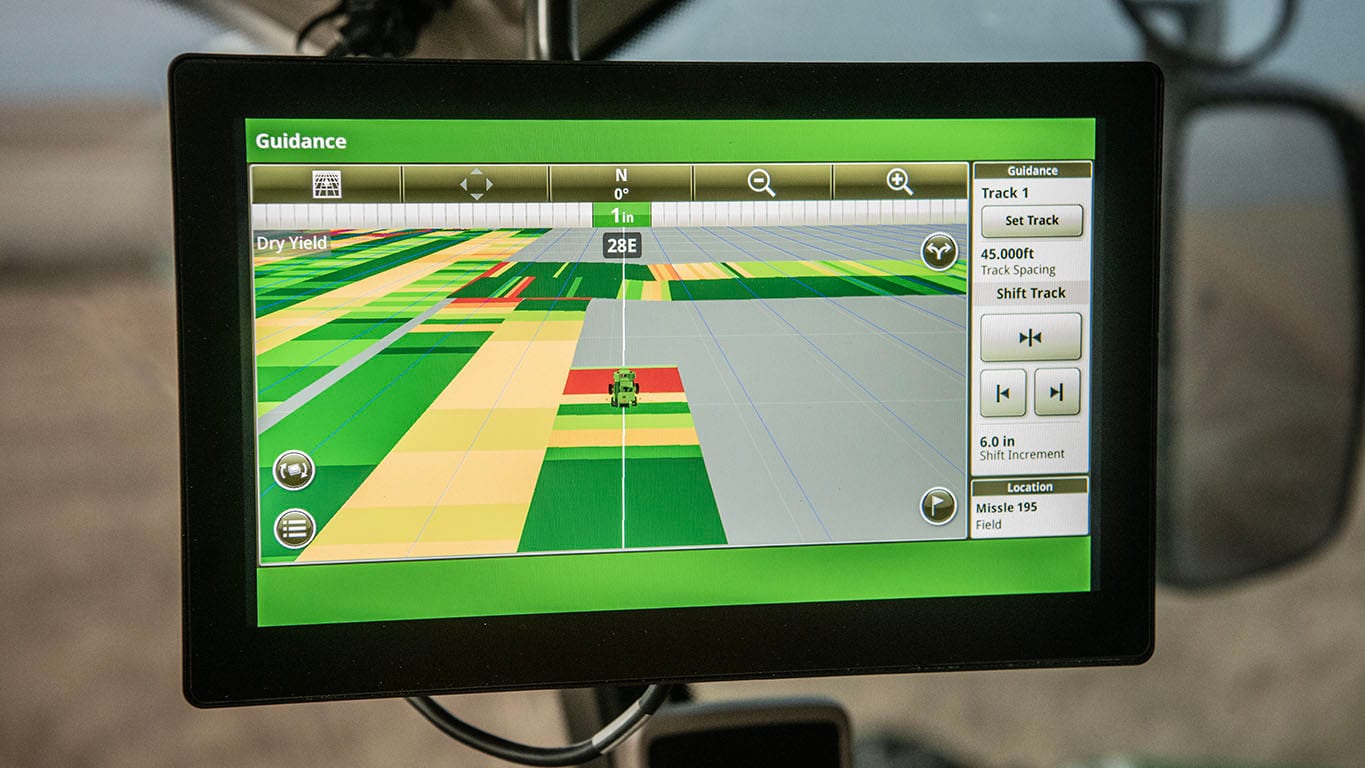
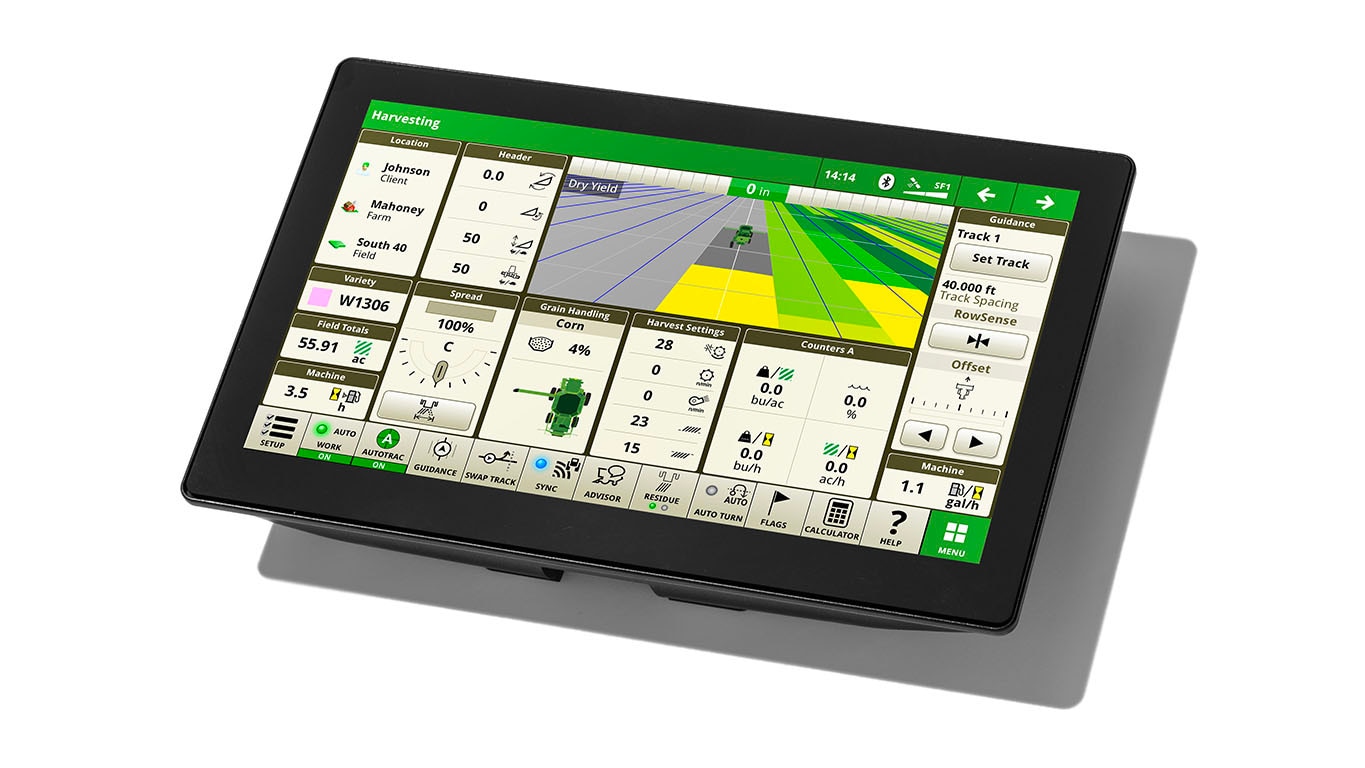
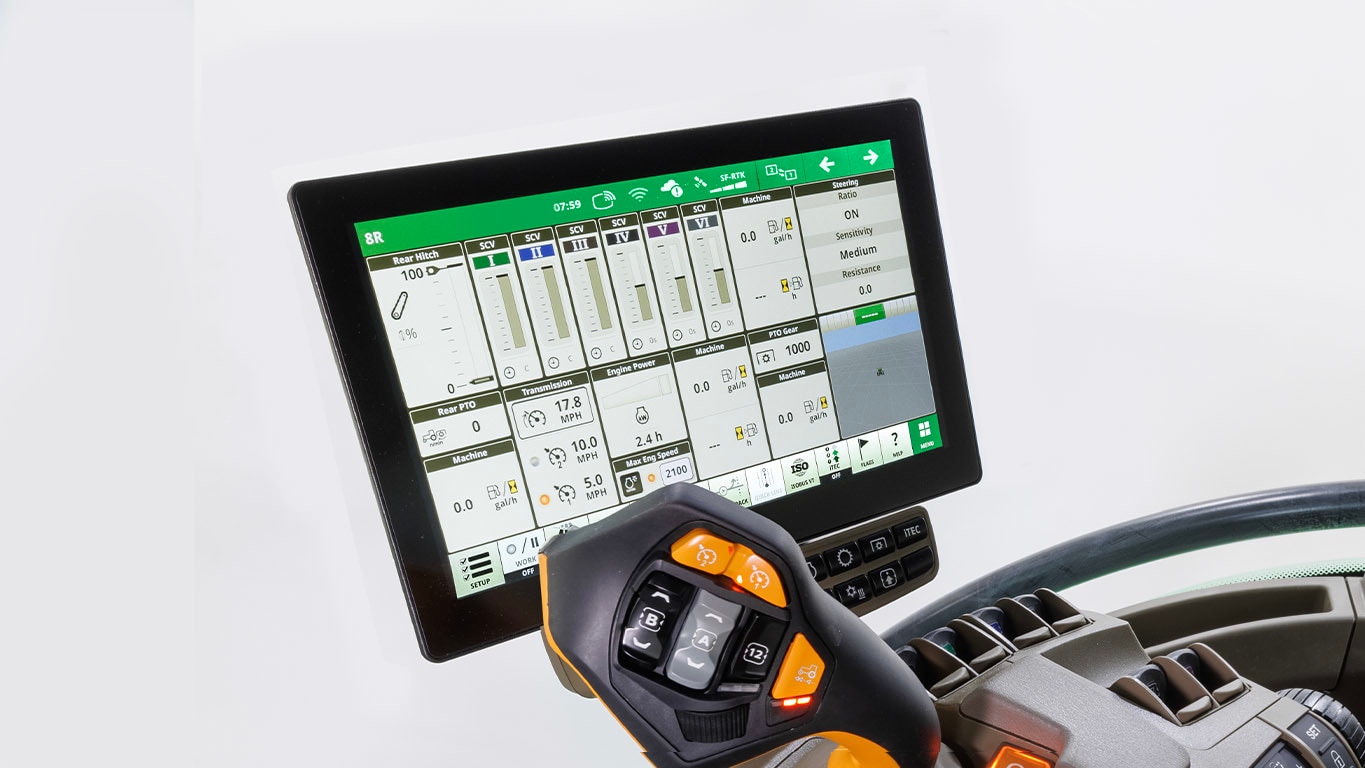
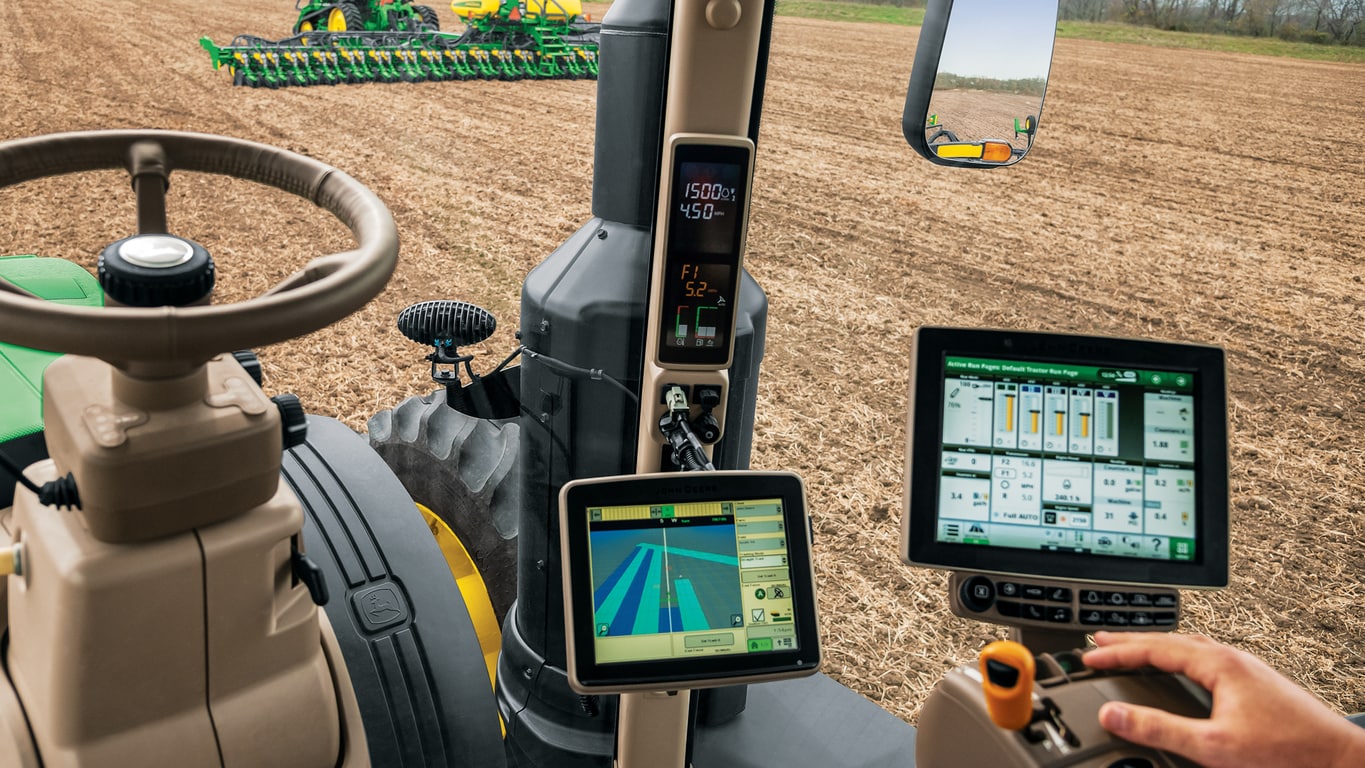
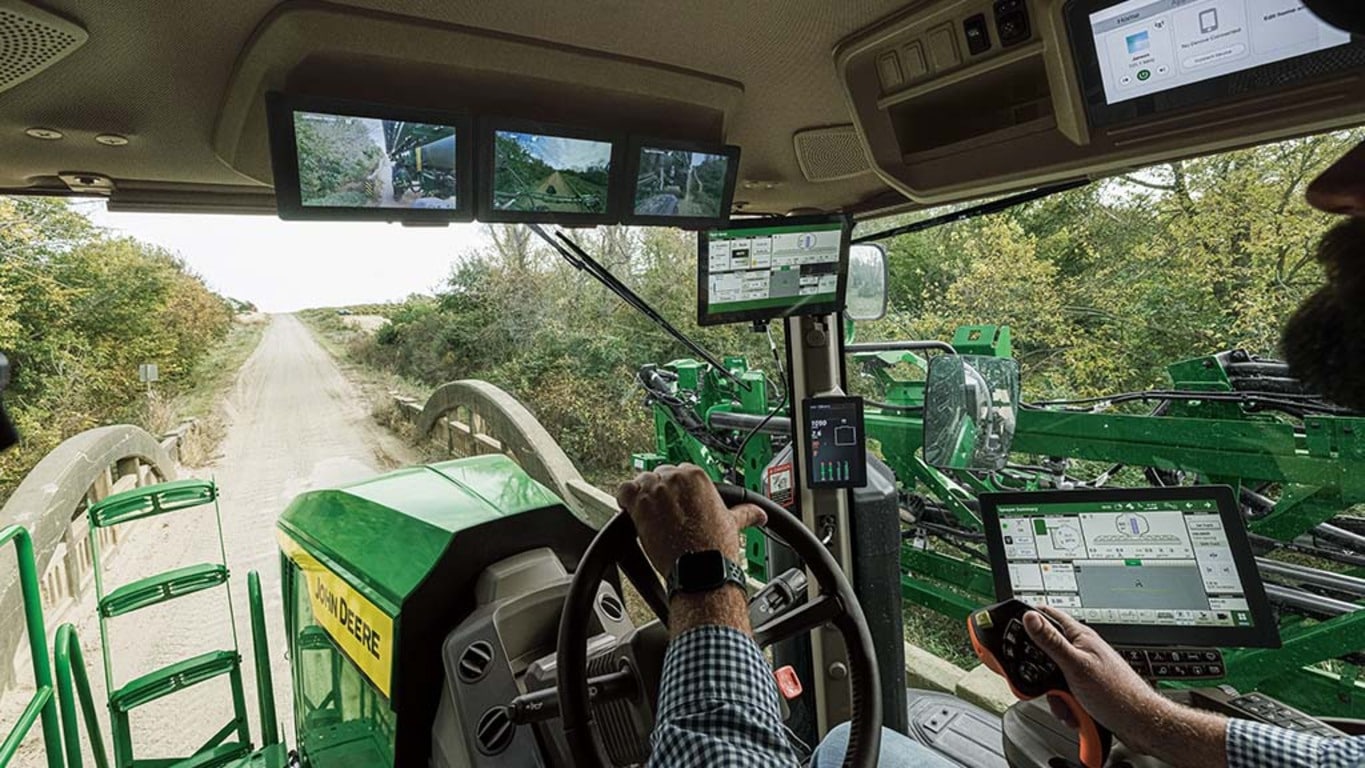
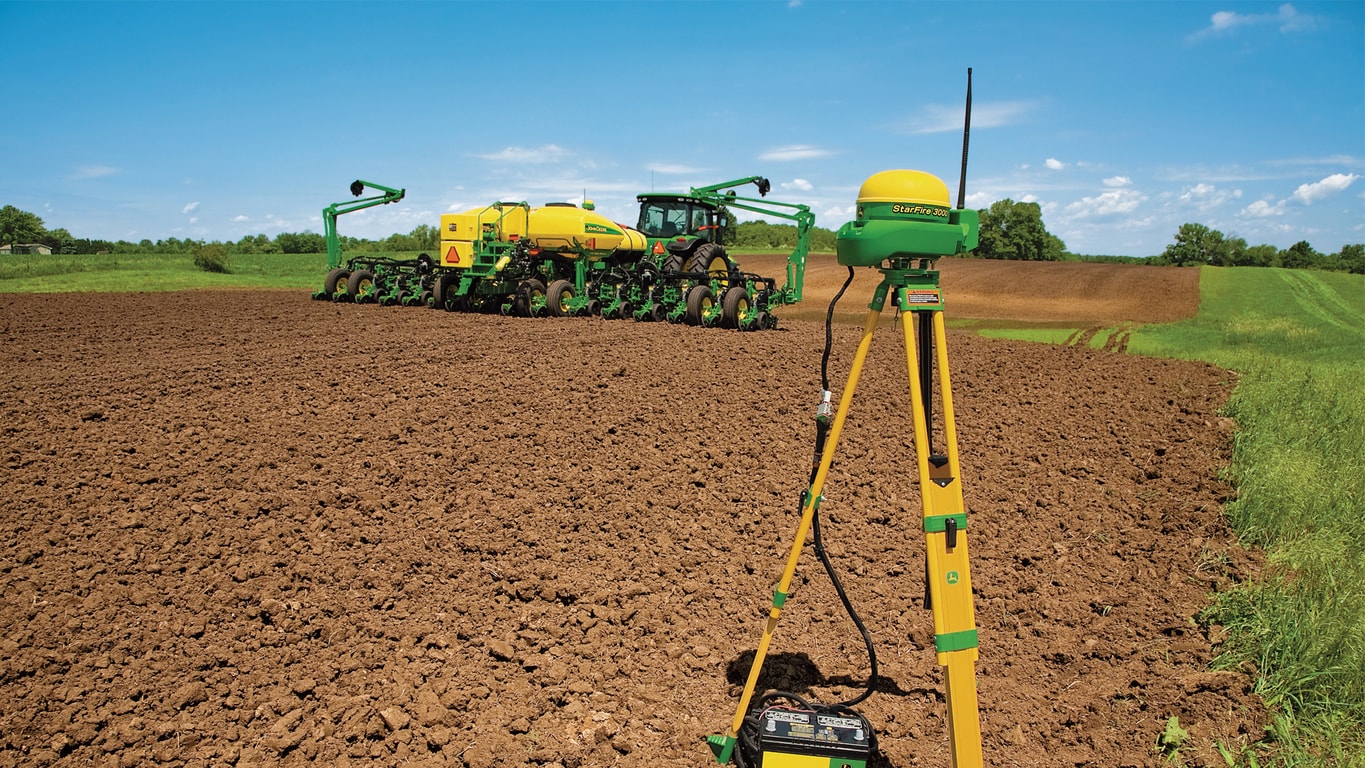
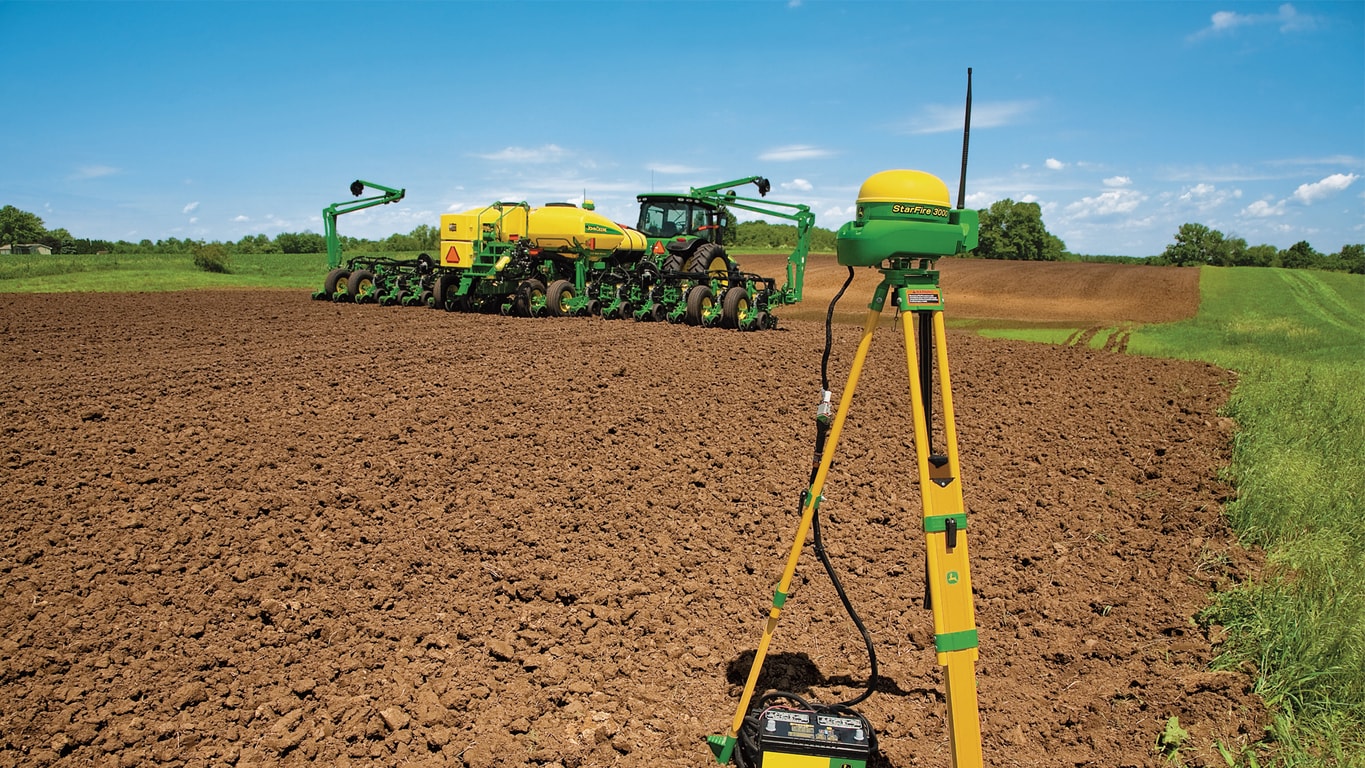
What do you get when you combine AutoPath, AutoTrac Implement Guidance, and AutoTrac Turn Automation? A field that’s farmed with remarkable accuracy and efficiency. Each of these technologies is powerful on its own, but together they deliver the highest level of precision and consistency across your operation.
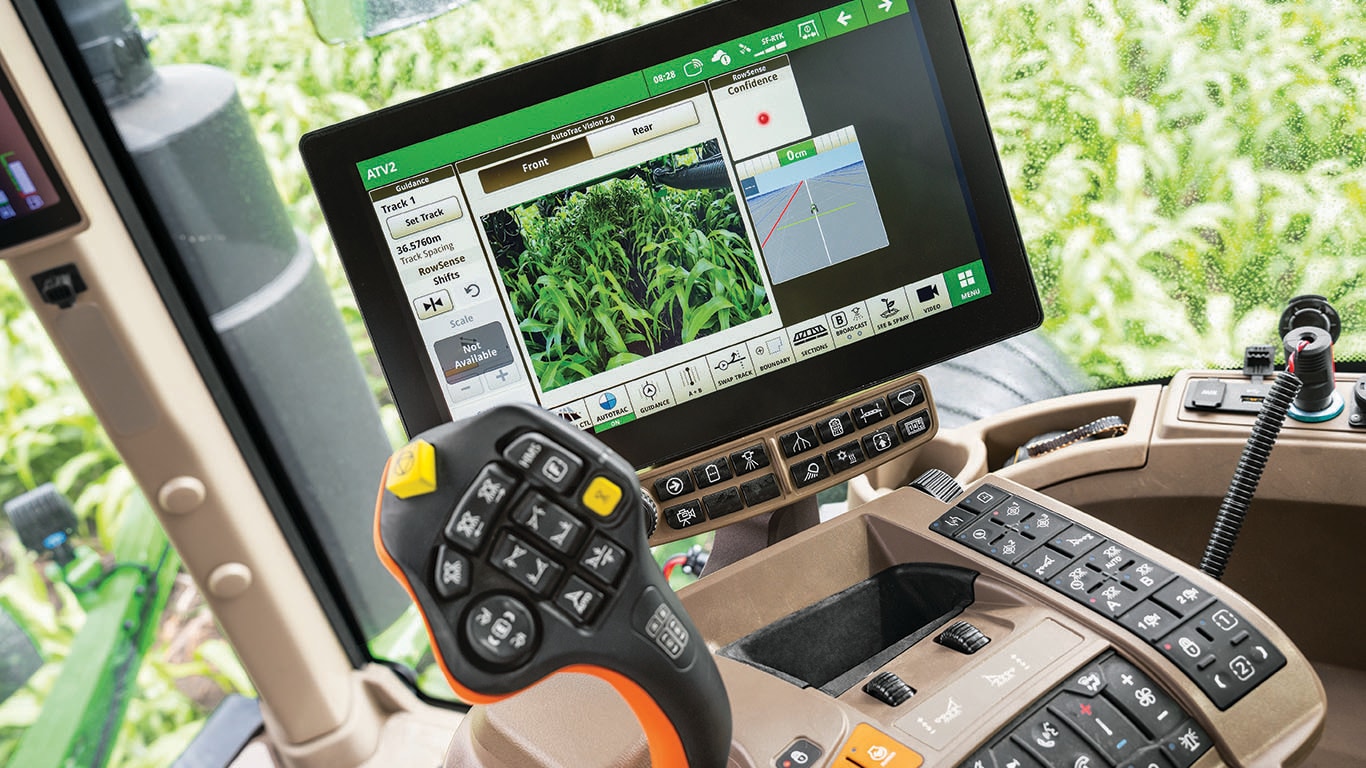
- AutoPath creates the guidance lines throughout the field.
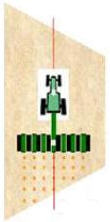
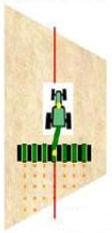
- AutoTrac Implement Guidance (ATIG) keeps the implement exactly on those lines.
- AutoTrac Turn Automation (ATTA) guides the tractor smoothly from one pass to the next at each turn.
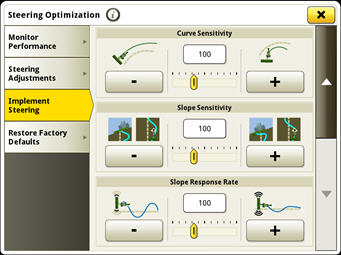
If there were a “dream team” for advanced guidance, this would be it — and AutoTrac Implement Guidance is the piece that brings it all together, keeping the implement on track and performing at its best, even in hilly ground.
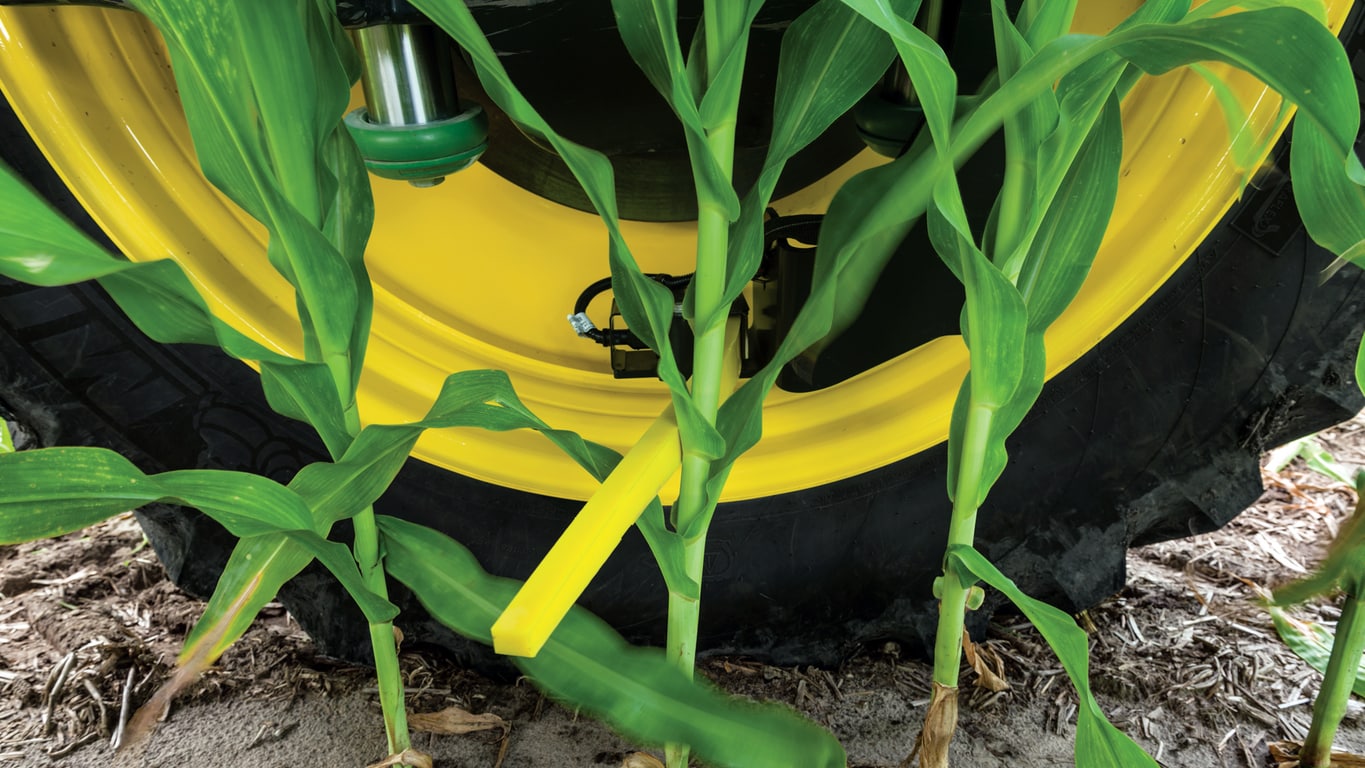
These tools also open the door to more precise farming practices, like inter row seeding. And now, a “Copy” button within the AutoPath (Boundaries) setup screen in the John Deere Operations Center makes it even easier to set up your plans for success year after year.
Plus, using it is simple. Here’s a quick rundown:
1. Once in the Operations Center:
-
- Navigate to the Setup tab
- Select Land
- Find the field you'd like to plan guidance for (the field boundary should be recorded with SF3 or higher correction signal or created from previously documented work)
Best practice: Use the same correction signal the boundary was recorded in to complete your field work.
2. Create your year one guidance plan.
Best practice: Using the Align to Boundary method gives you the ideal first pass and the most efficient overall plan.
3. Save your work, then select “Copy” to create an identical AutoPath (Boundaries) plan for that field.
4. With the copied plan open, shift the guidance lines by half of your implement's row spacing.
-
- For example, with 30-in. rows, shift the plan 15 in.
IMPORTANT: Headland lines and field lines shift separately. Headland lines can move in or out from the boundary, while field lines shift north, south, east, or west based on the heading angle.
Best practice 1: Rename copied plans clearly for future use — I.E., Greiner 40_Seeding Even Year and Greiner 40_Seeding Odd Year.
Best practice 2: Seed the same direction year over year on each guidance line for best results.
The guidance lines in the even year plan align with the north side of the field and the yellow arrows show the direction of travel. The odd year plan was shifted ½ the implement’s track spacing (inward and to the south), so the new guidance lines are directly in the center of last year’s rows. The gray arrows show the direction of travel. Notice again, that in both years, the seeder drives each guidance line in the same direction. This is key for keeping row spacing consistent and maintaining the inter row pattern over time.
The precision and ease behind this farming practice only happens when AutoPath, AutoTrac Implement Guidance, and AutoTrac Turn Automation work together as one system. All three of these powerful technologies are available with an Automation 4.0 or G5 Advanced license on your Gen4 or G5 display.
Ask your dealer for a demo and see the difference in person.